Propello
Teaching aids in the digital age. Reimagining a legacy education product from the ground up.
- Role
- Lead Product Designer
- Team
- Lead with 2 additional designers
- Focus
- UX/UI, Product Design, Design Systems, Prototyping, Usability Testing, Figma
- Year
- 2024
During my time at this startup, I led what was intended to be a simple adaptation of NE’s Swedish education content platform (ne.se) for the US market. The project ultimately became a complete overhaul and rebuild of the platform to accommodate the unique needs of the US education system and teachers’ workflows. My role included design system creation and management, designing new product features, adapting useful existing features, updating the visual design language to appeal to the US market, and conducting user research and testing to ensure a smooth teaching and learning experience. I led two additional designers and worked closely with product and engineering.
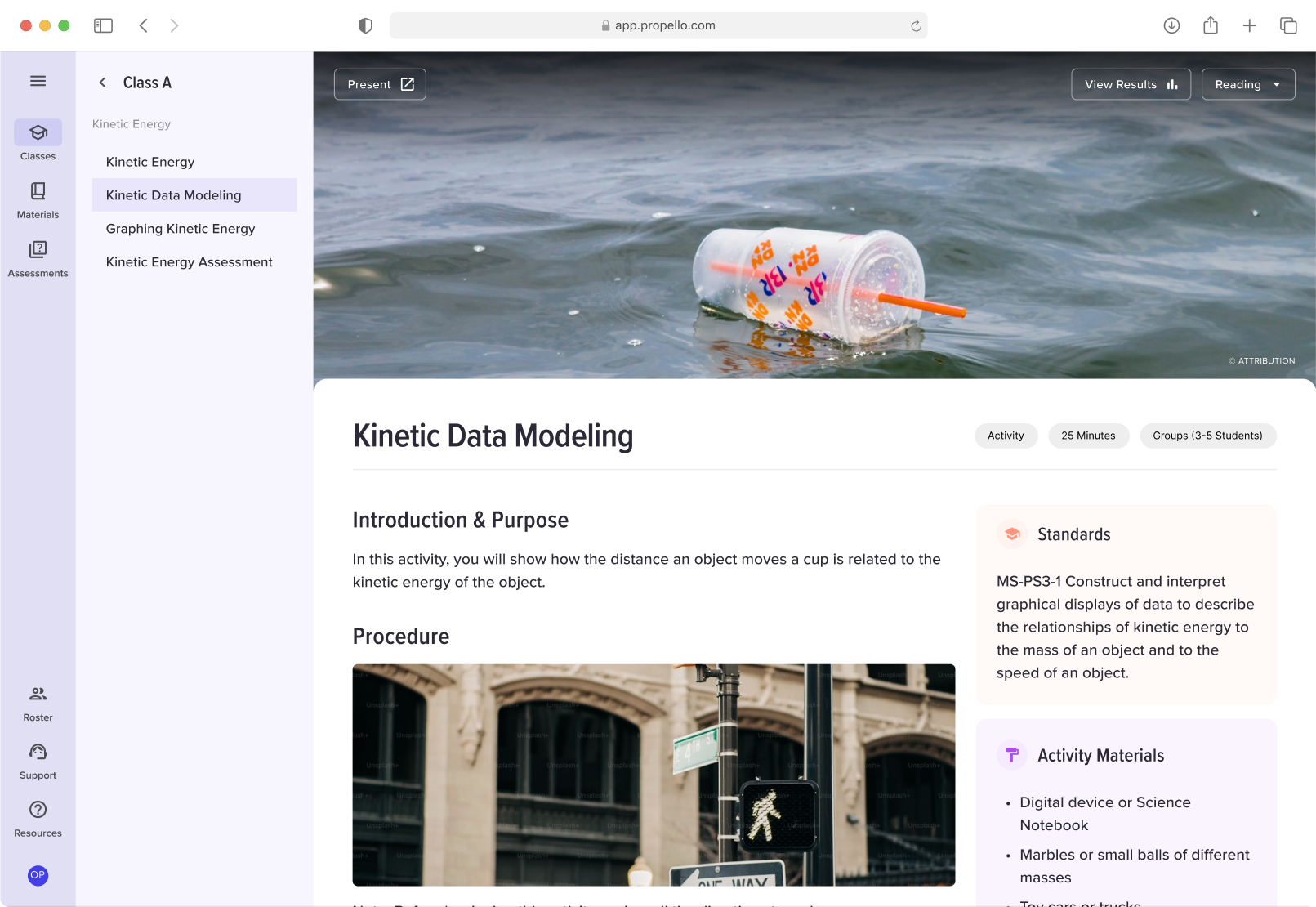
Teacher Experience
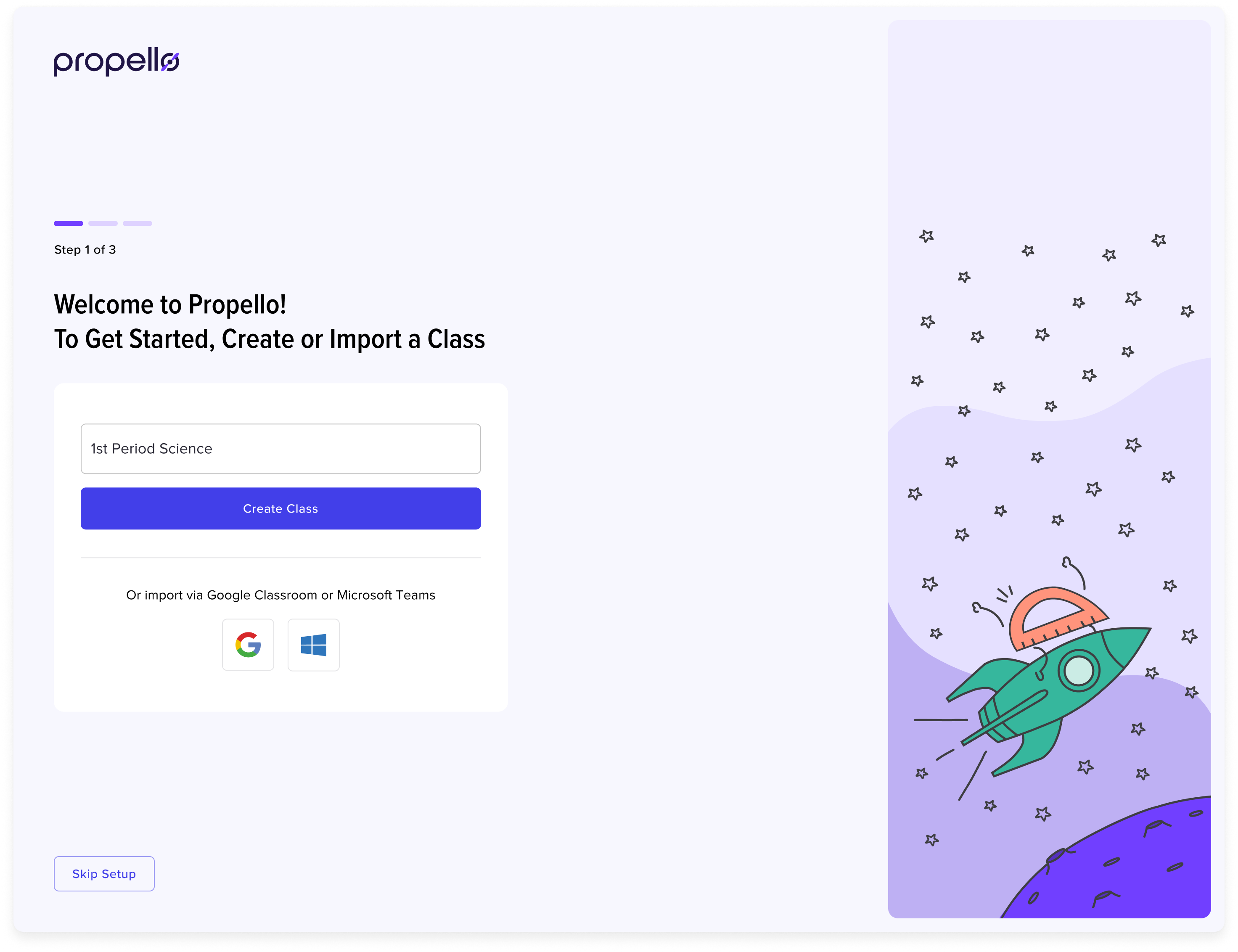
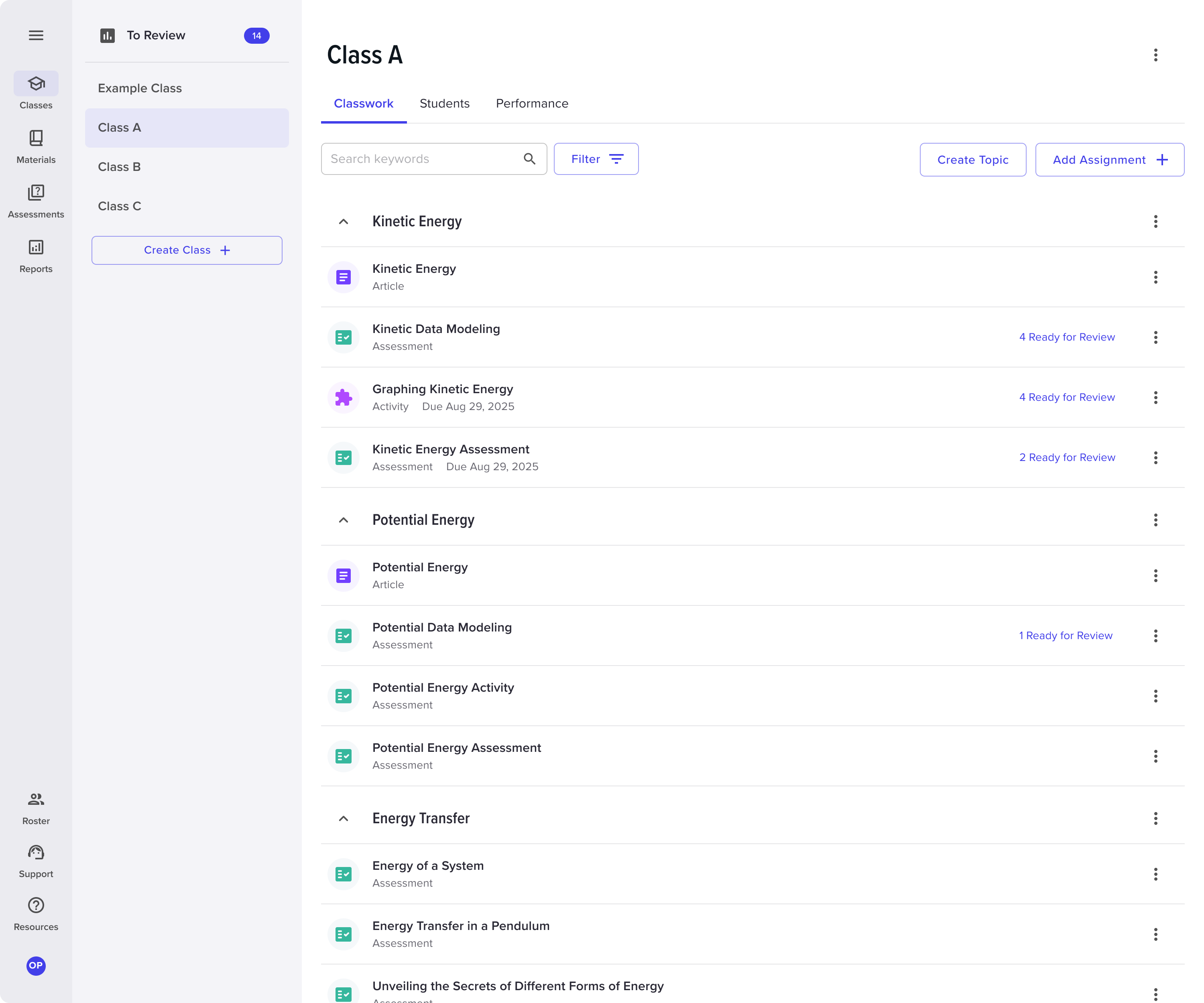
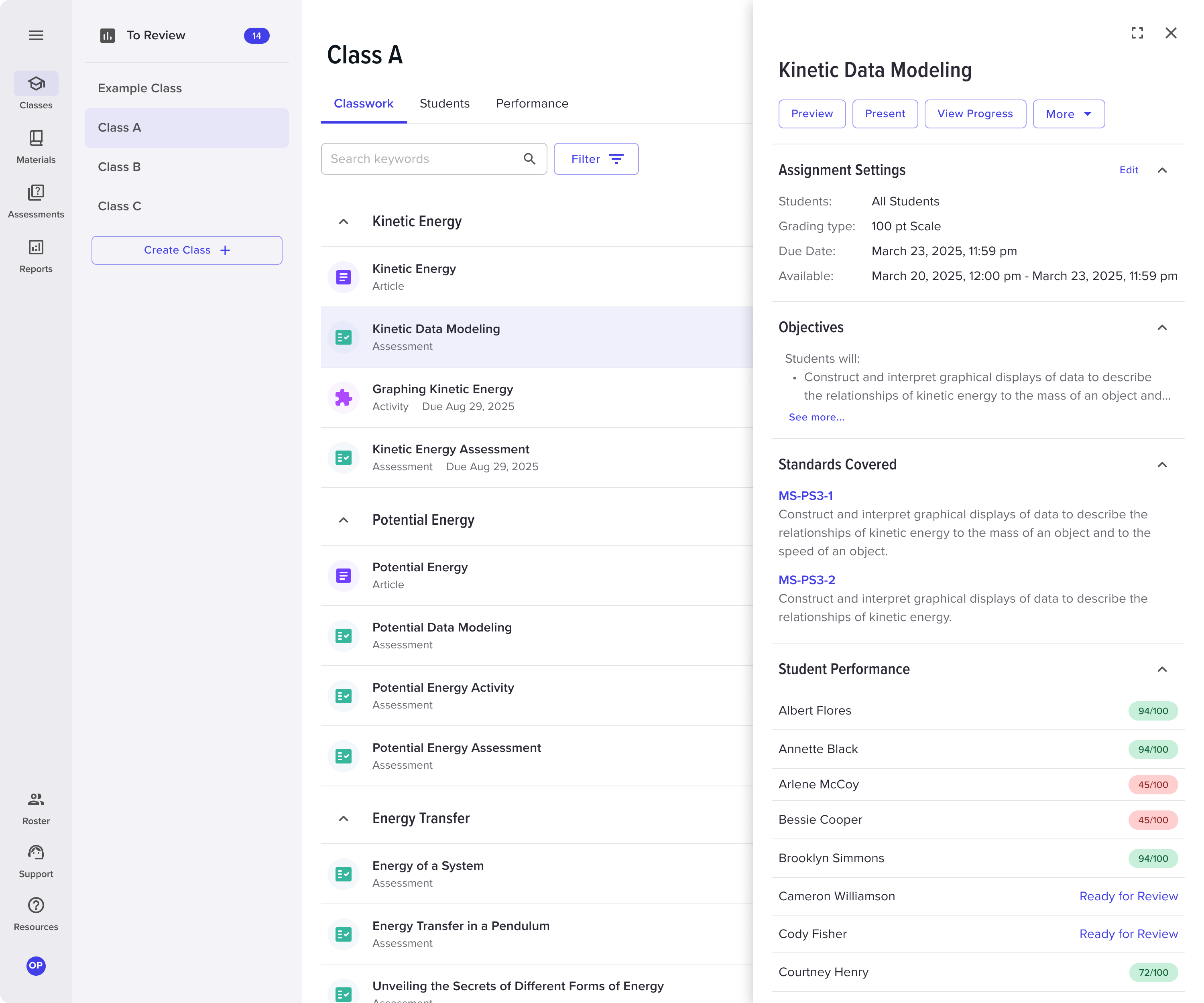
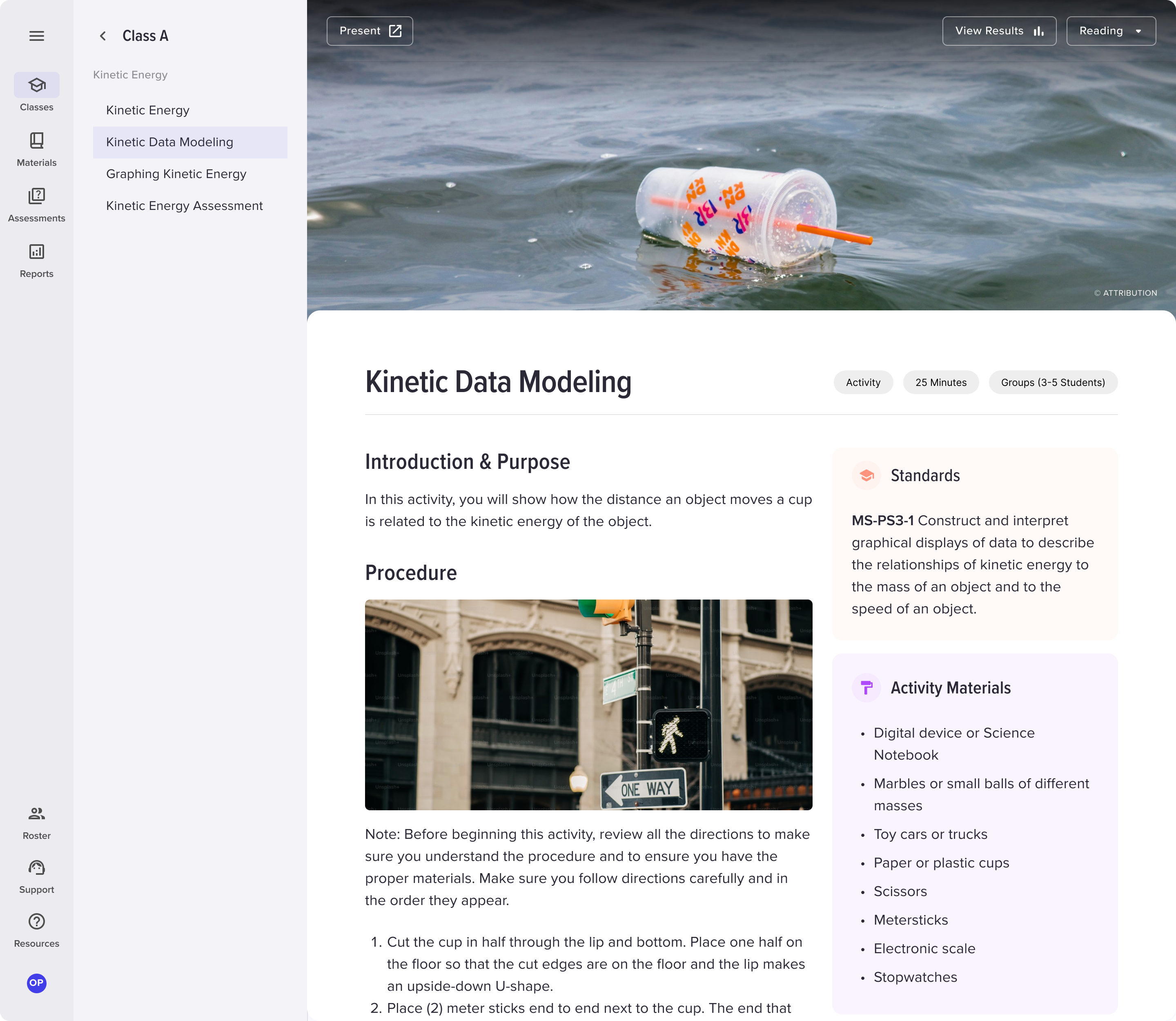
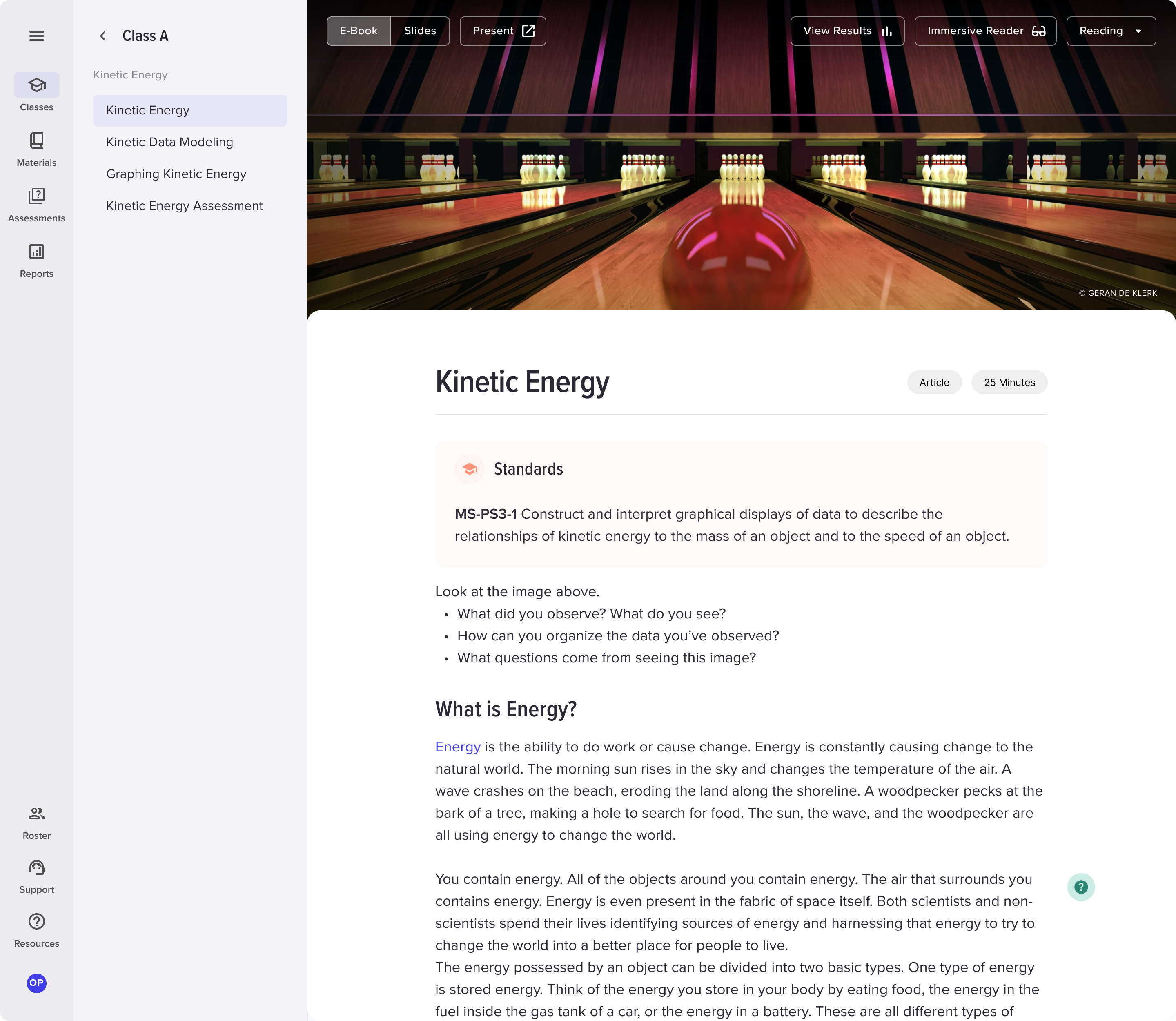
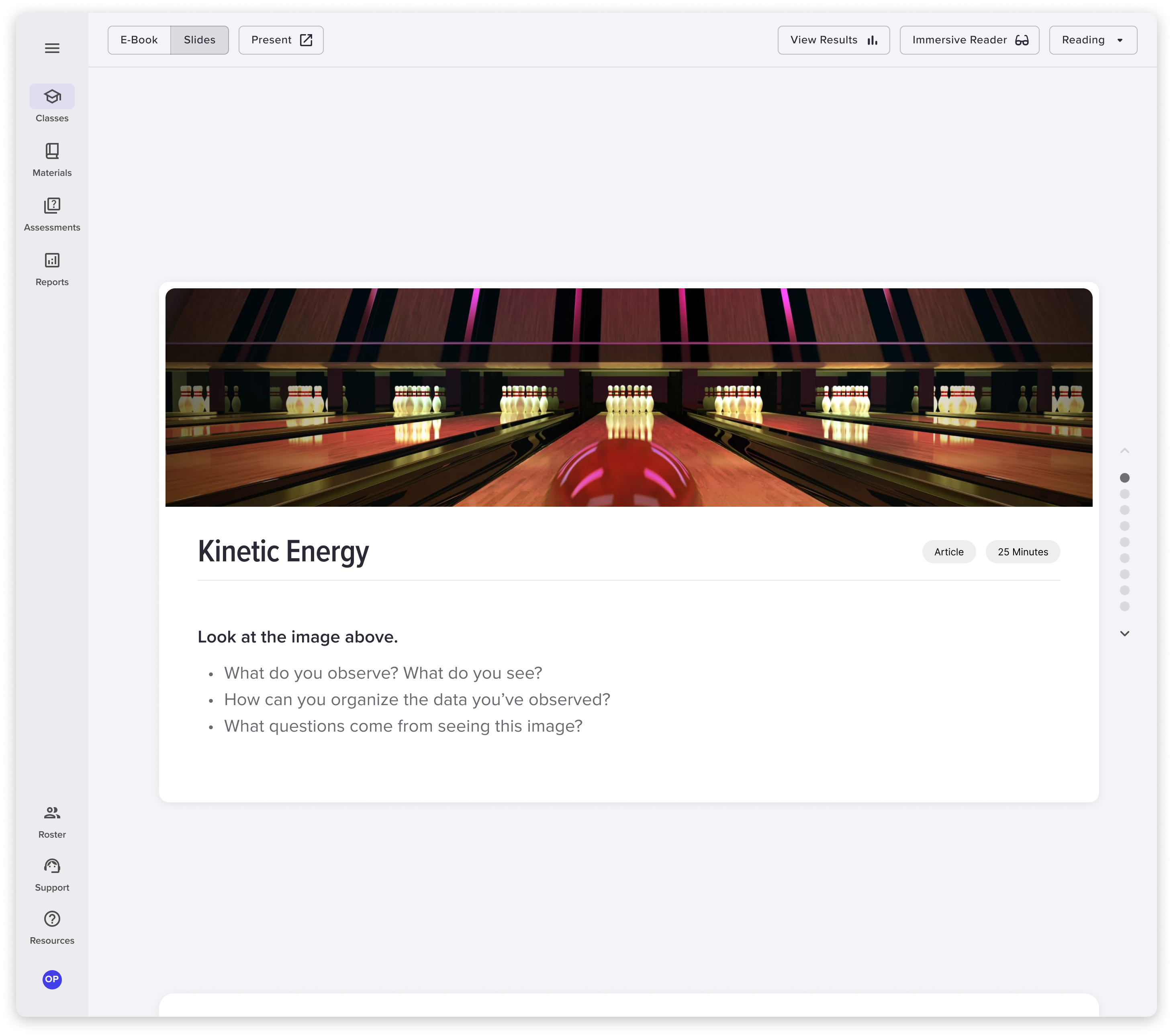
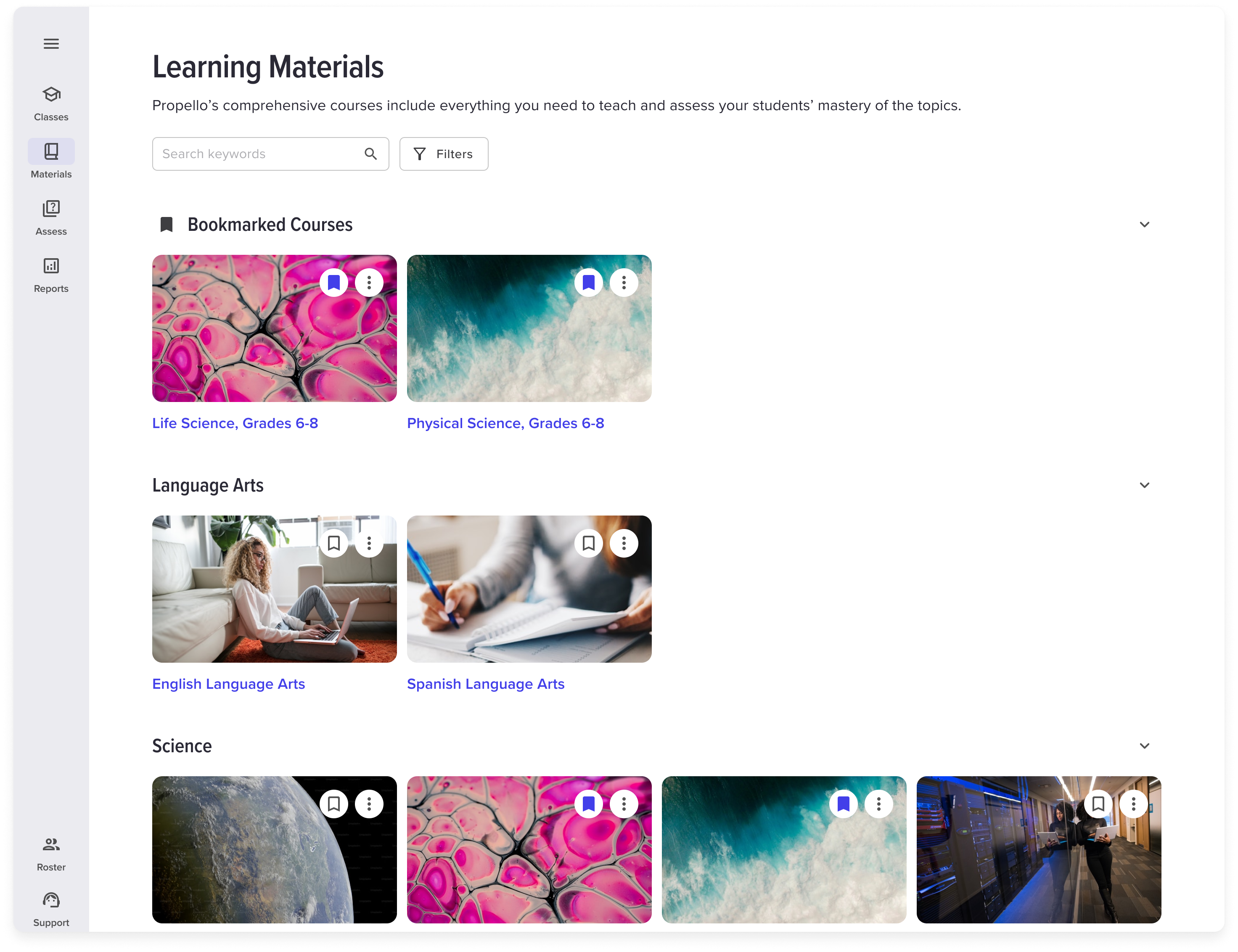
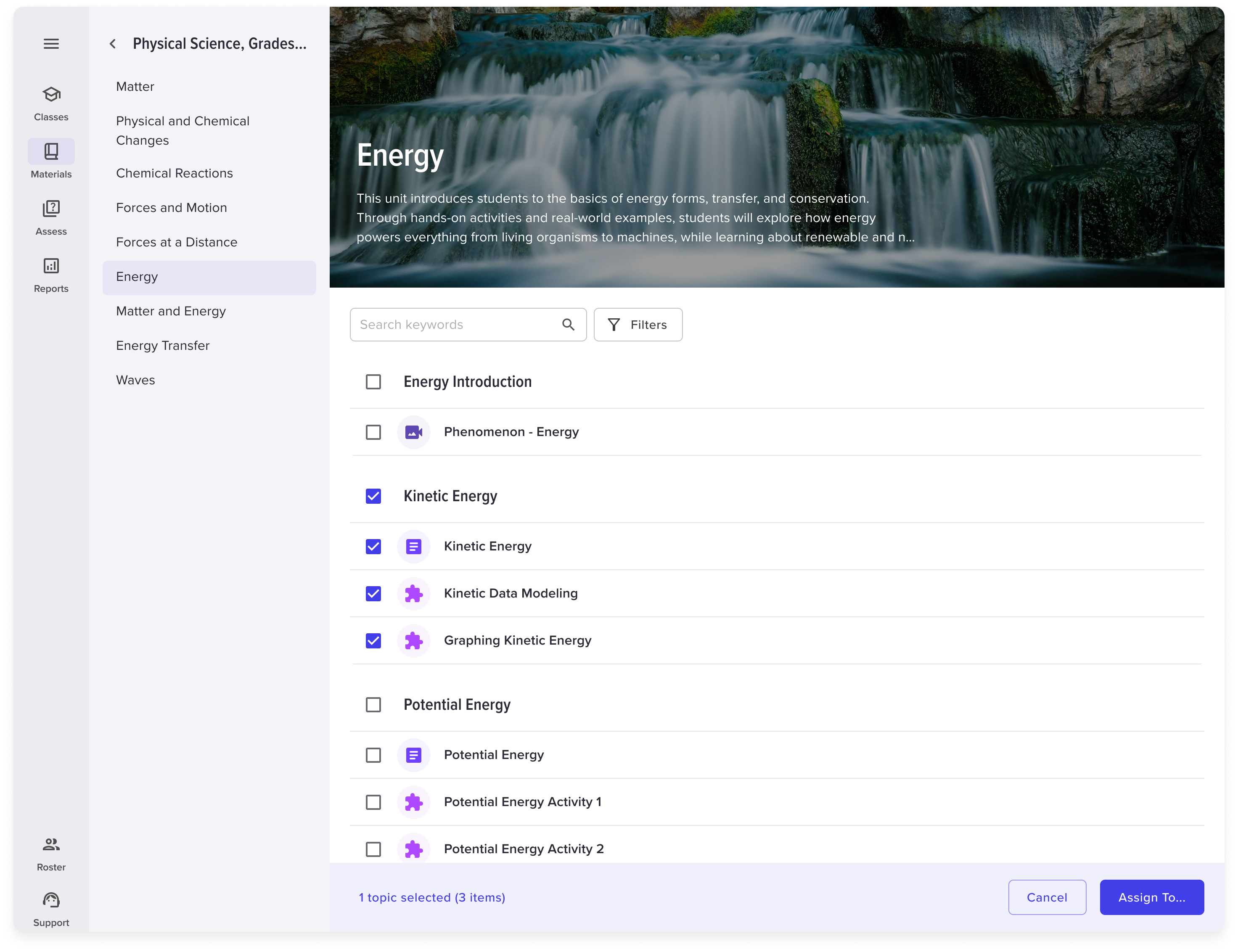
The Propello app is a lightweight LMS, content platform, and assessment tool in one. Given its robust feature set, I focused on keeping the teacher experience clean and intuitive. With a small development team and tight timelines, the primary focus was on the web platform (over mobile). While usability was the priority, I also explored ways to enhance the visual design, including dark mode options. Below is a sample of designs from the product.
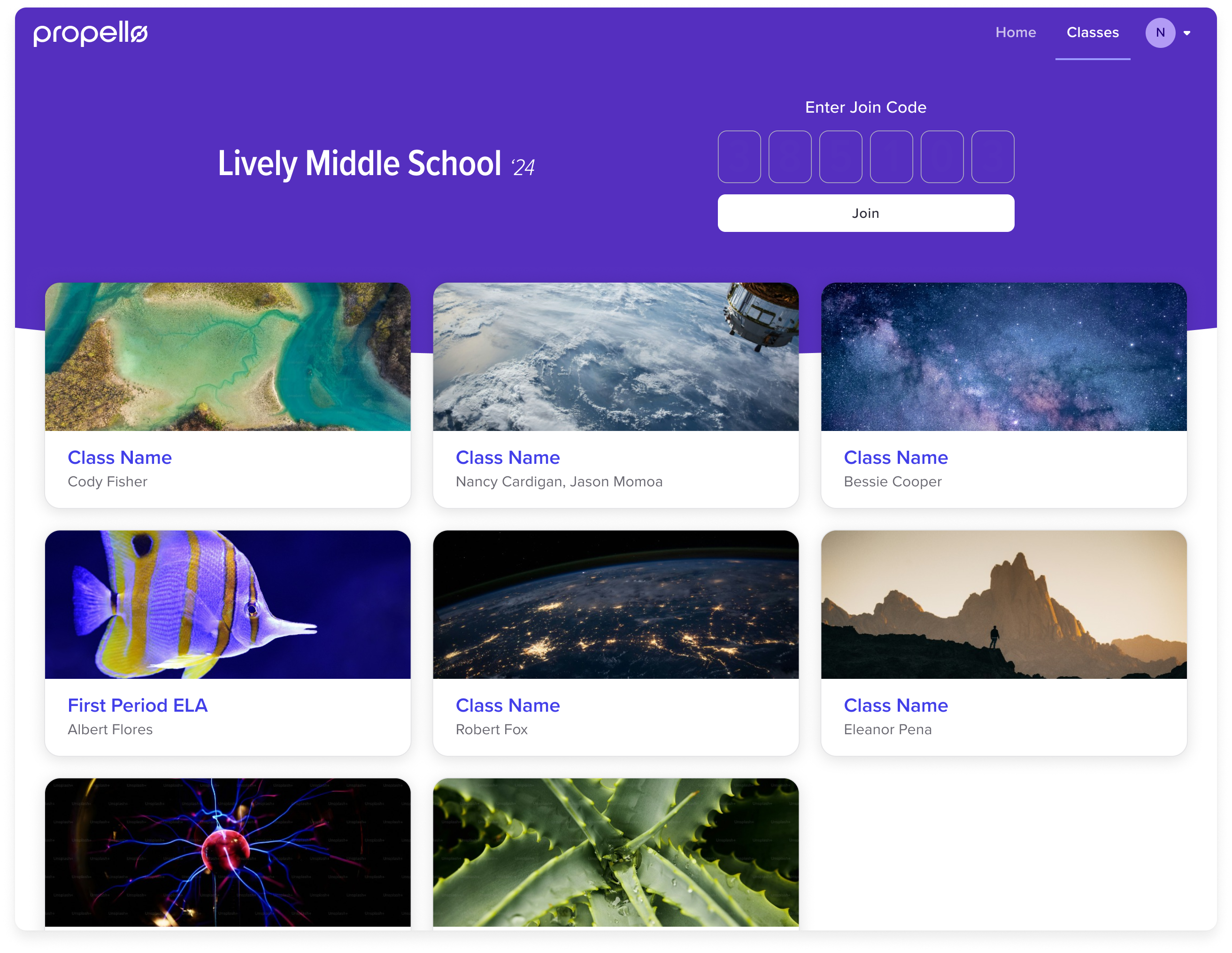
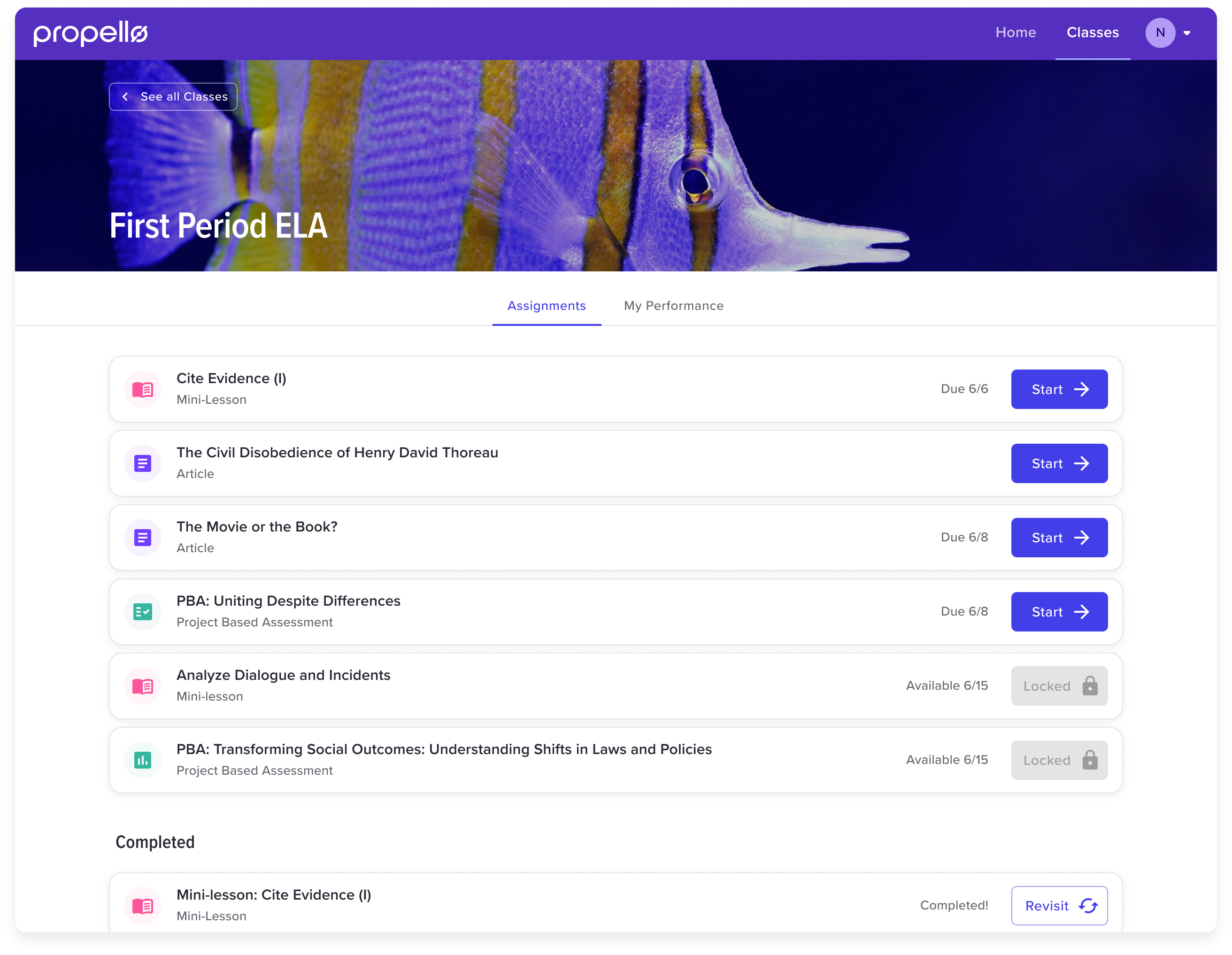
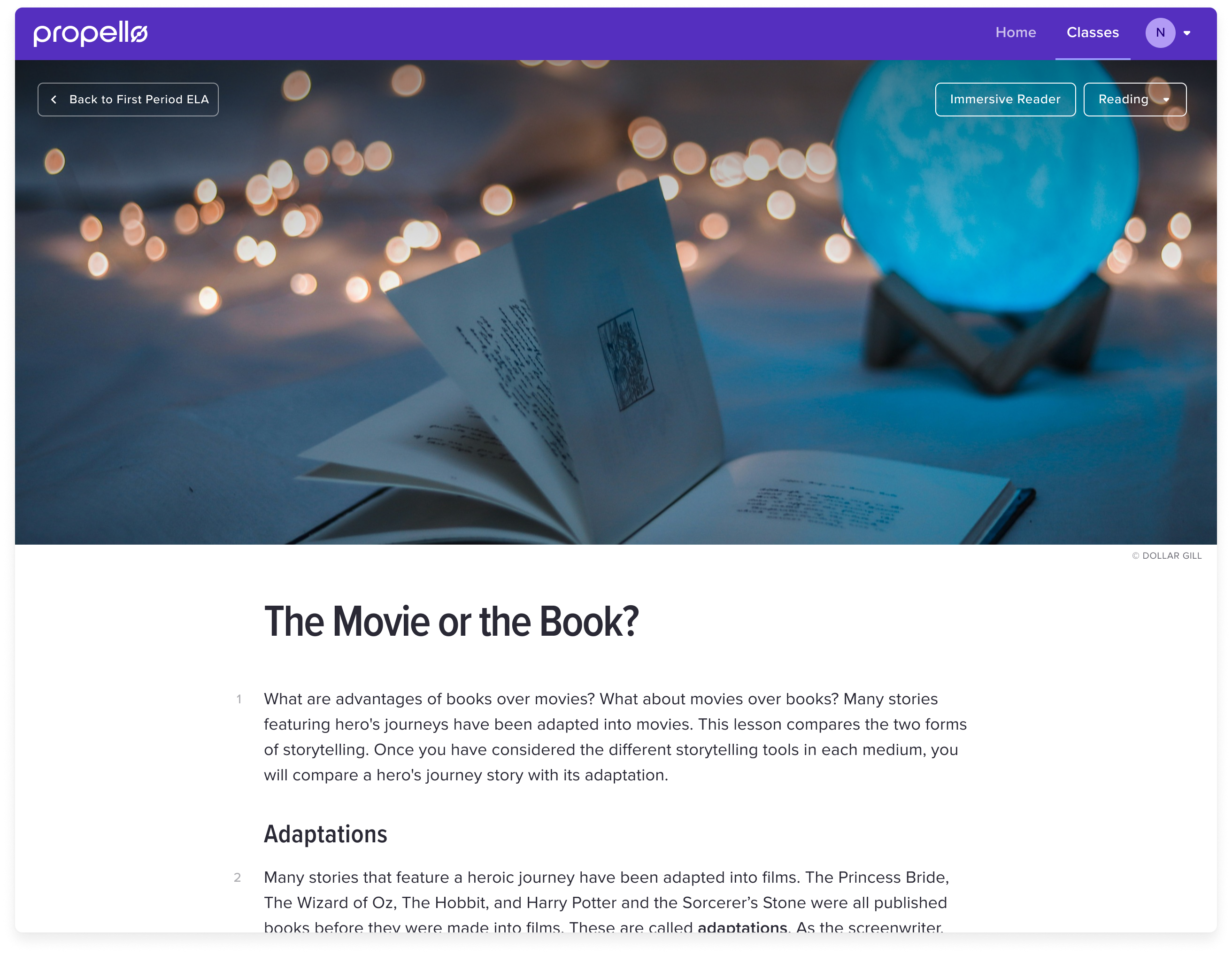
Student Experience
The student experience was much simpler. The primary goal was to provide quick access to learning materials. To achieve this, teachers could assign custom photos to their classes for easy identification. Alternatively, students could enter join codes to instantly access the day’s lesson.